top of page

How to Redeem Gift Cards*
*Instructions are in desktop format only and may differ for table and phone. For more help please contact us at questions@topcarsunlimited.com

Step 1: Add items to cart by selecting quantity then press "Add to Cart". When ready to start checking out continue to Step 2
(If "Buy It Now" is selected skip to Step 5)

Step 2: Select the "Cart Icon" above. Continue to Step 3

Step 3: Press the "View Cart" button. Continue to Step 4
(If "Checkout" is selected skip to Step 5)

Step 4: Select shipping method, then continue on by pressing the "Checkout" button. Continue to Step 5

Step 5: Press "Redeem a gift card". Continue to Step 6
Step 6: Find your "Gift Card" Code. Continue to Step 7
eGift Card
Physical Gift Card
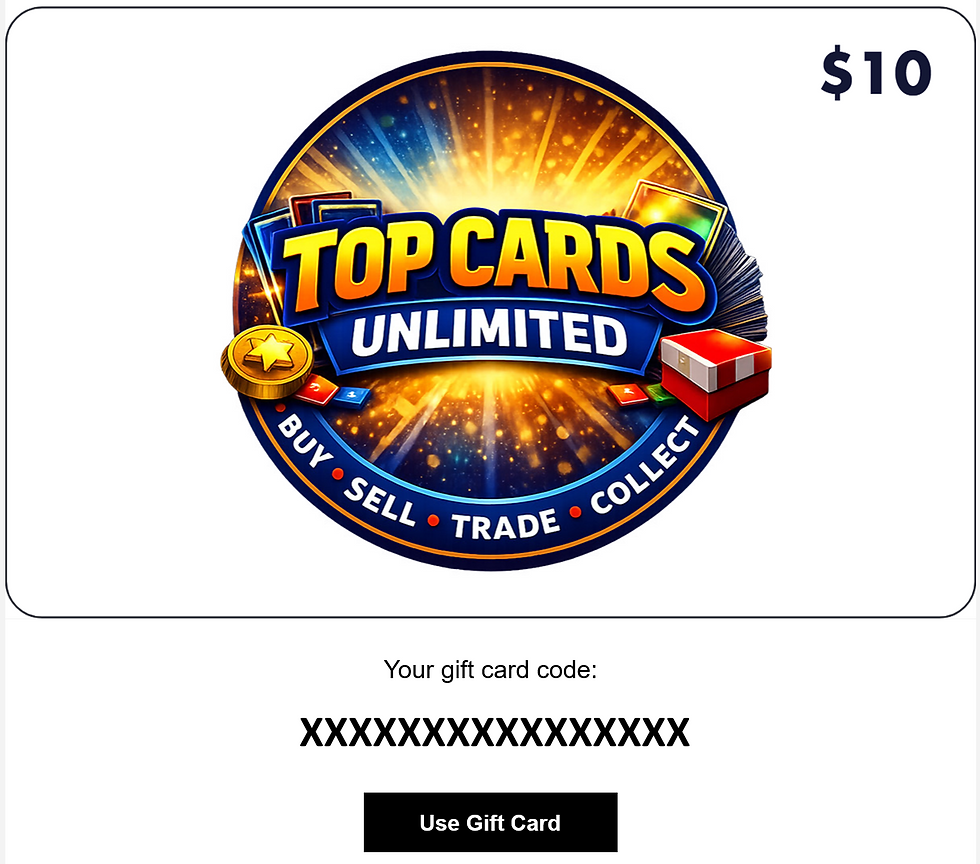


Examples

Step 7: Enter "Gift Card" code into box, Hit Apply. Continue to Step 8

Step 8: After entering your information any additional balance will have options to finalize order.
If Gift Card balance is greater than order, balance will adjust accordingly.
Please click here for Gift Cards Terms and Conditions
For any additional questions please contact us at questions@topcardsunlimited.com
Please click here to purchase eGift Cards
bottom of page